IThe problem
A photo book company let customers design their books online: pick a layout, drop in photos, add backgrounds, stickers and captions. Every finished design then had to become files a print shop would accept, page by page at the exact book size with bleed, plus a cover.
And a book is more than its pages. The print floor also needed a dust jacket, free gift prints, a worksheet and an invoice for every order. Orders arrive in bursts, so keeping big render servers running all day would waste money.
IIWhat I did
- A server that wakes up for work. A cron job runs a PDF controller that checks the order queue in Redis. When orders are waiting, it boots the PDF server, waits until it is fully up, then hands each order ID to the PDF worker.
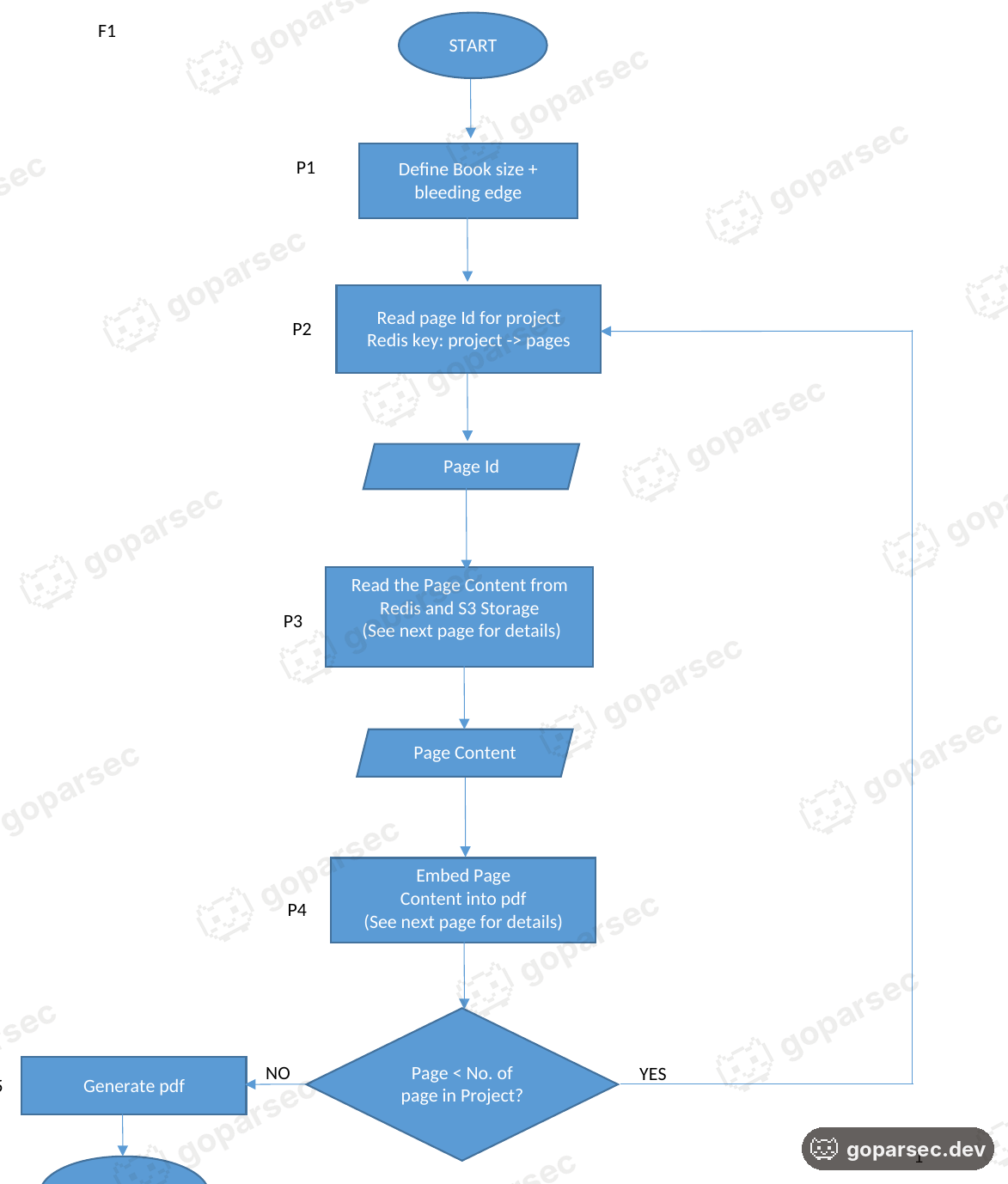
- Pages rendered one by one. The generator sets the book size and bleed, reads each page of the project from Redis and S3, draws it into the PDF with iText, and repeats until the last page.
- Every layer in order. Background image or colour first, then SVG stickers through Apache Batik, then layout photos and free photos with their orientation corrected, then text with its font, size, colour and alignment.
- Everything the print floor needs. Beside the pages, content block and cover, small programs make worksheet images, a dust jacket from the book’s own photos, free gift prints cropped by a Go smart-crop tool using Google Cloud, and the invoice with its worksheet.
- Measured, not guessed. I benchmarked a single page step by step to see exactly where the time goes.
IIIHow it runs
Two servers share the work. A small, always-on controller watches for orders; the heavy PDF server only runs when there is something to print.
- Cron jobRuns the PDF controller on a schedule.
- PDF controllerChecks the order queue in Redis. If orders are waiting, it boots the PDF server.
- PDF server wakesOnce it is fully up, the controller sends each order ID to the worker.
- PDF worker · pdf.shAlways listening. Renders the book page by page: pages, the merged content block, the cover.
doWorksheetTurns the PDF into images for the print worksheet.doDustJacketBuilds the dust jacket from the book’s own photos.doFreeGiftMakes the free gift prints. Photos cropped by gosmartcrop, a Go tool using Google Cloud smart crop.pdfInvoiceAndWorksheetProduces the invoice and the worksheet PDFs.
Everything lands in output/<project-id>/
- Redis order queue, pages, layouts, stickers, fonts
- AWS S3 photos, backgrounds, stickers, finished PDFs
- AWS RDS order data
IVHow a page is built
Every page is read from Redis and S3 and built up in five layers, bottom to top. The book size and bleed are set before the first page.
- 1. TextFont, size, colour and alignment, exactly as designed.
- 2. Free photosPlaced anywhere by the customer, at their x, y, width and height.
- 3. Layout photosPlaced in the layout’s frames; orientation corrected first.
- 4. StickersSVG artwork, drawn into the page with Apache Batik.
- 5. BackgroundAn image from S3, or a flat colour set with iText.
VWhere the time goes
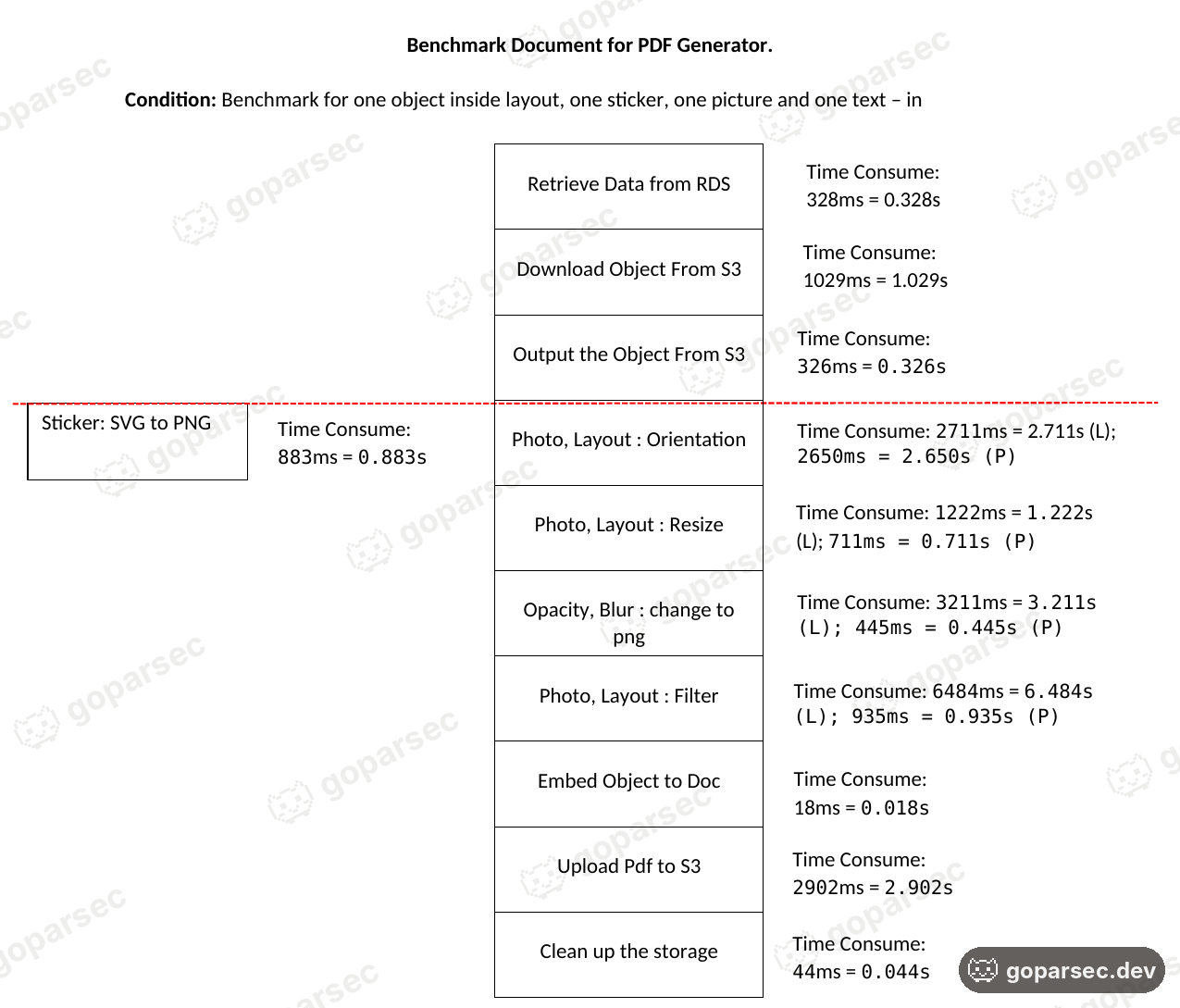
The test page held one layout photo, one sticker, one picture and one line of text. Building the PDF was never the slow part: embedding an object took 18 ms. The time went into photo work, and landscape photos cost far more than portrait ones. Filtering took 6.48 s for a landscape photo against 0.94 s for a portrait one.
- Retrieve data from RDS
- Download object from S3
- Output the object from S3
- Photo orientation
- Photo resize
- Opacity and blur to PNG
- Photo filter
- Sticker: SVG to PNG
- Embed object in the PDF
- Upload PDF to S3
- Clean up storage
See the numbers as a table
| Step | Landscape | Portrait |
|---|---|---|
| Retrieve data from RDS | 328 ms | same |
| Download object from S3 | 1.03 s | same |
| Output the object from S3 | 326 ms | same |
| Photo orientation | 2.71 s | 2.65 s |
| Photo resize | 1.22 s | 711 ms |
| Opacity and blur to PNG | 3.21 s | 445 ms |
| Photo filter | 6.48 s | 935 ms |
| Sticker: SVG to PNG | 883 ms | same |
| Embed object in the PDF | 18 ms | same |
| Upload PDF to S3 | 2.90 s | same |
| Clean up storage | 44 ms | same |
VIScreen proof
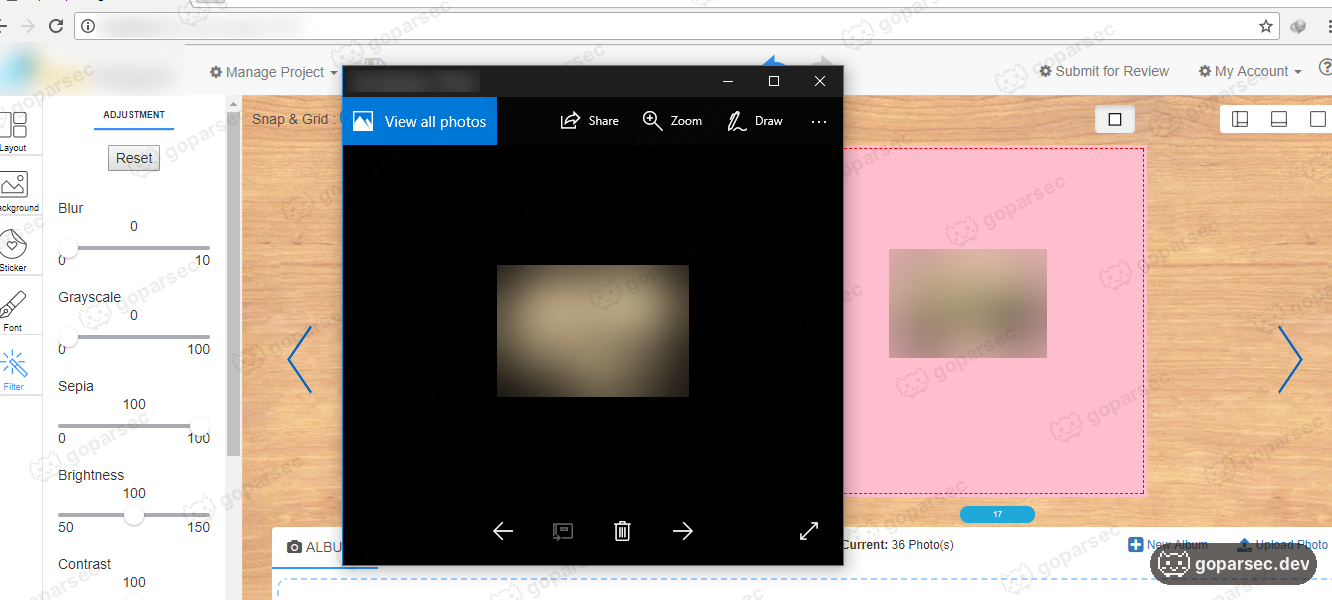
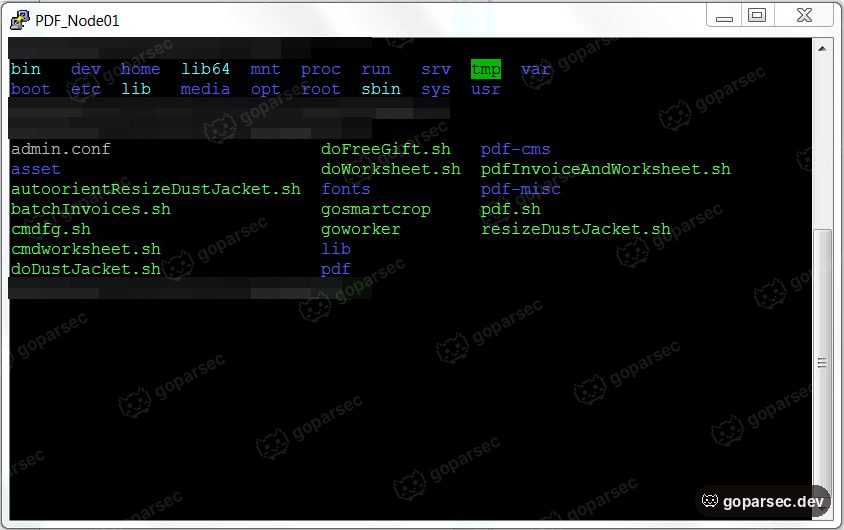
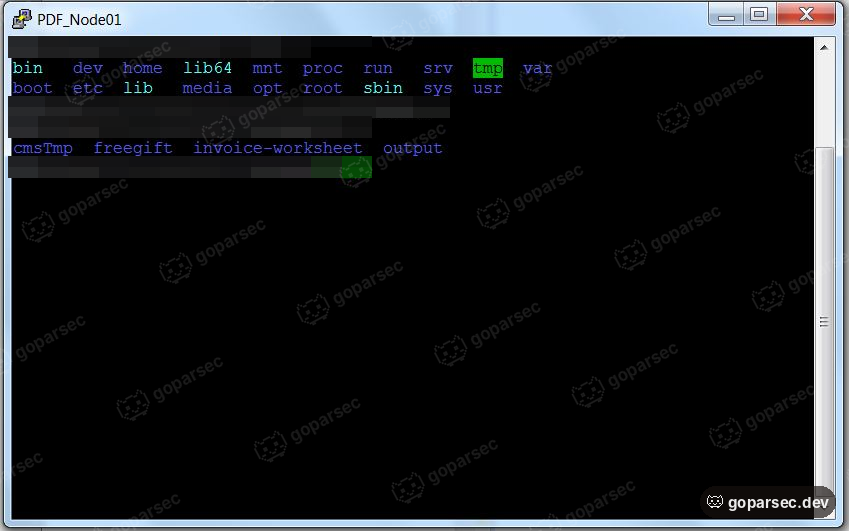
Client names, server addresses and customer data are hidden. Clients stay confidential.
VIIWhere it ended
Each order becomes a complete print package automatically: pages, cover, dust jacket, gift prints, worksheet and invoice, filed under its project ID. Nobody lays out a page by hand, and the render server only runs when there is work in the queue.
The generator ran in production from 2018 to 2025, turning out the company’s books for seven years. When the company later replaced its book editor, this pipeline stayed on: it kept producing the invoice and worksheet for every order.
- Java
- iText
- Apache Batik
- Go
- Redis
- AWS S3
- AWS RDS
- Google Cloud
- Shell